
Introduction





CloudPaste is a modern file sharing and content management platform that allows you to easily share text and files, as simple as using cloud storage.
Whether you're quickly sharing a piece of code, an article, or managing team file resources, CloudPaste can meet your needs. It's not just a clipboard tool, but a fully functional file management system.
Why Choose CloudPaste?
🎯 Simple and Easy to Use
- 5-minute deployment: No complex configuration, automatically deploy to Cloudflare using GitHub Actions
- Intuitive interface: Modern design, very intuitive for both creating shares and managing files
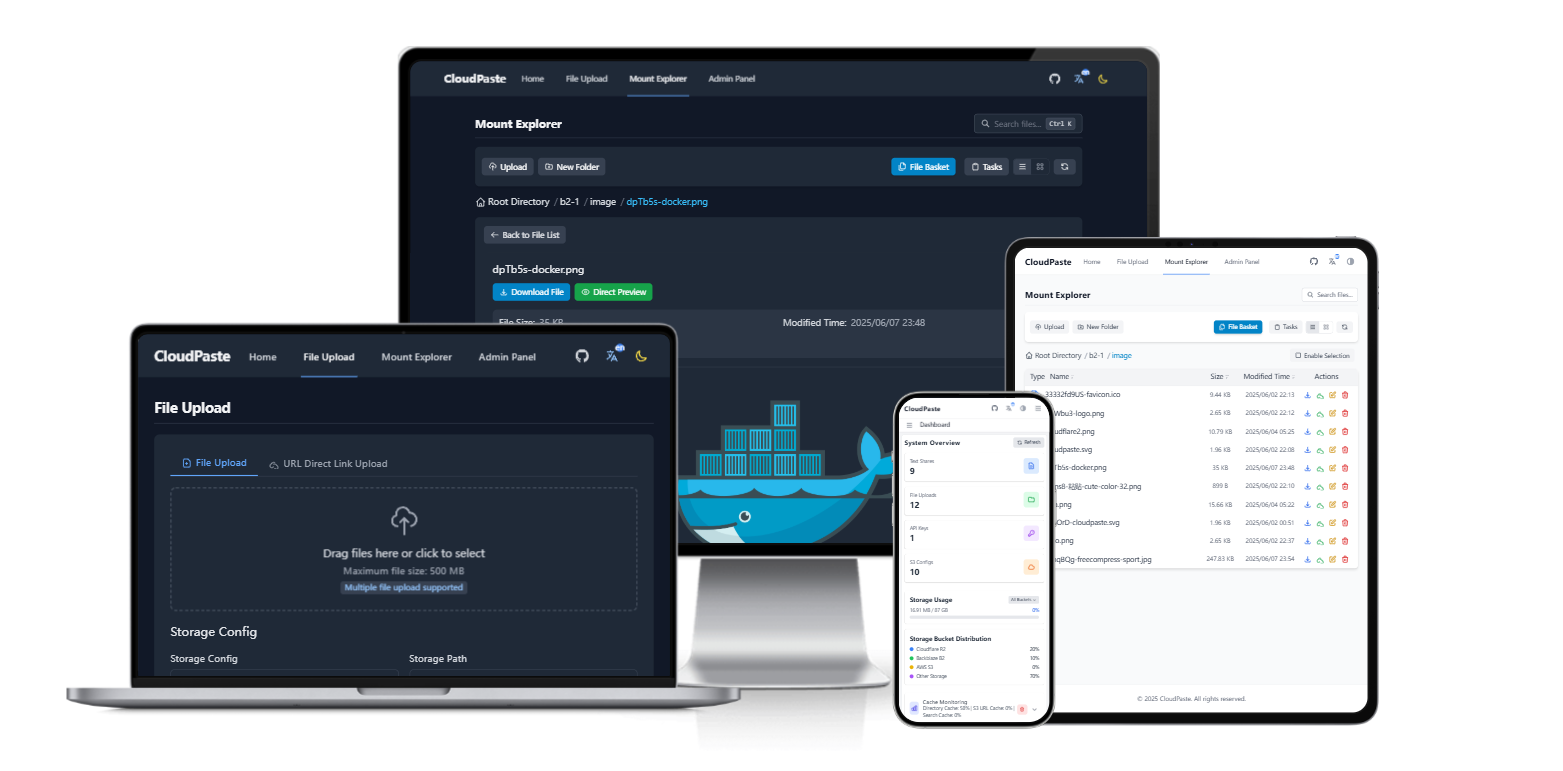
- Multi-device compatibility: Works perfectly on desktop, tablet, and mobile
- Bilingual support: Interface supports Chinese and English switching to meet different user needs
💪 Powerful Features
- Professional Markdown editor: Real-time preview, syntax highlighting, math formulas, flowchart support
- Flexible access control: Password protection, expiration date settings, access count limits
- Multiple storage options: Supports S3, OneDrive, Google Drive, WebDAV, GitHub, local storage, etc.
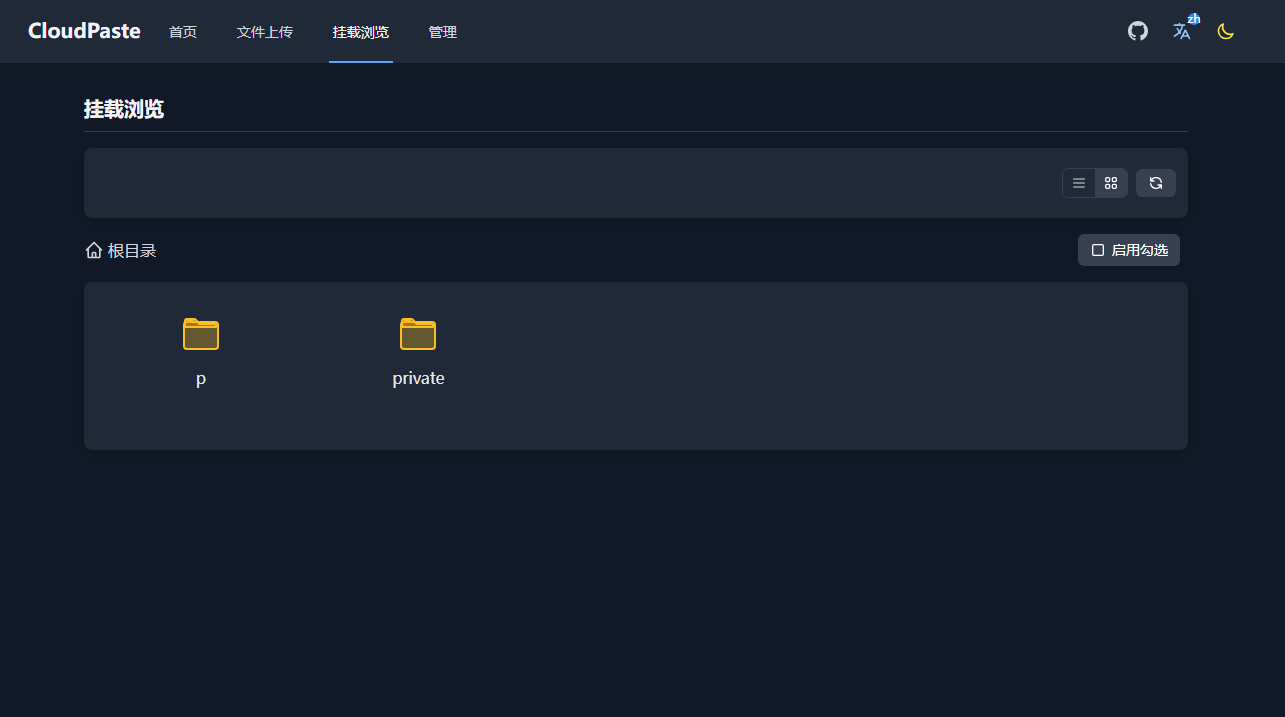
- WebDAV protocol: Can be mounted and used like a network drive
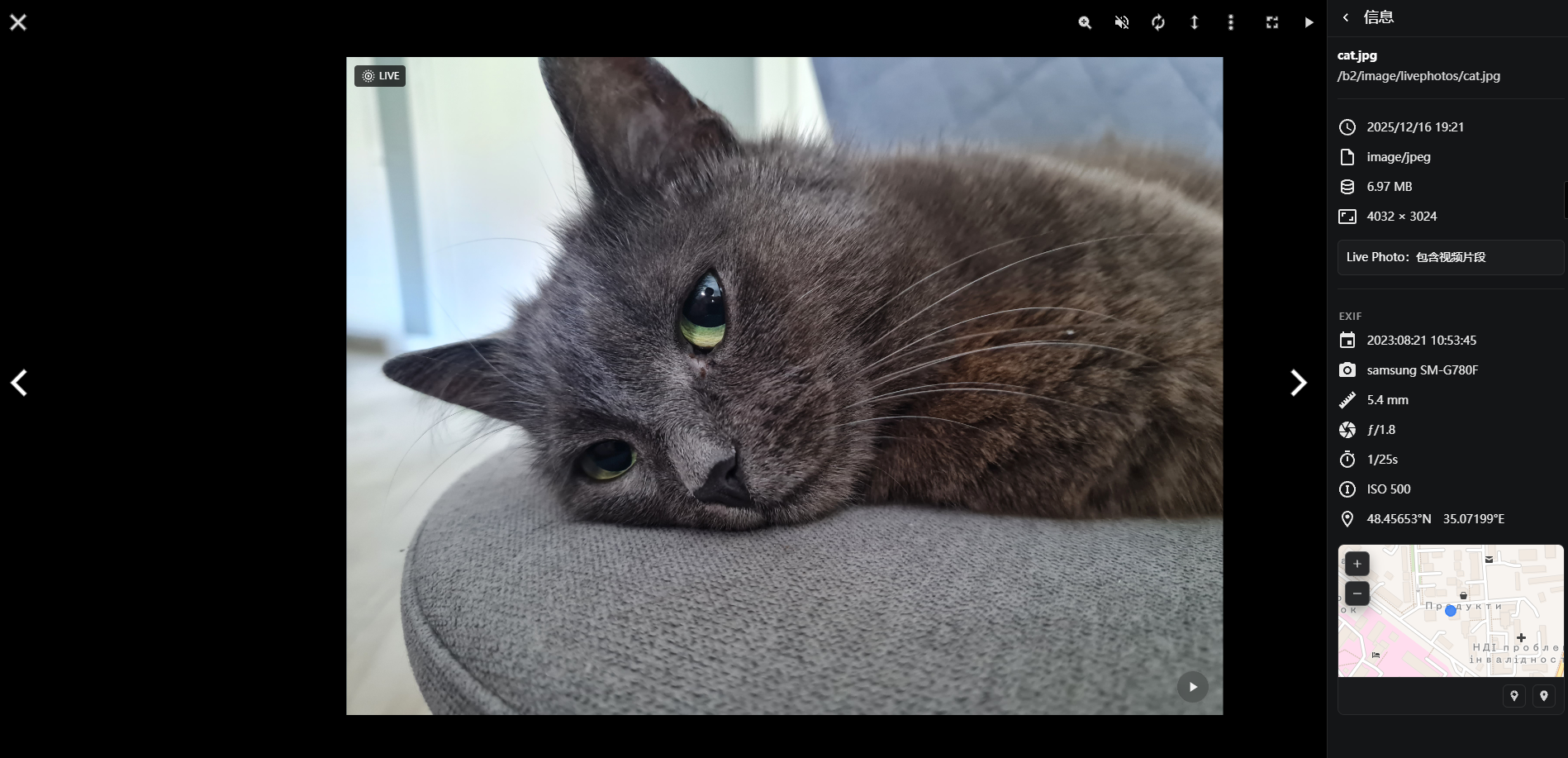
- Rich preview: Online preview of images, videos, audio, PDFs, code, Office documents
🚀 Excellent Performance
- Global acceleration: Based on Cloudflare edge computing, responds from the nearest of 300+ data centers worldwide
- Zero cold start: Unlike traditional servers, requests are processed instantly
- Smart caching: Automatically optimizes access speed, reduces unnecessary requests
- Large file support: Chunked upload, resumable upload, easily handles large files
💰 Cost-Friendly
- Cloudflare free tier: Make full use of Cloudflare's generous free tier
- Self-selected storage: Can use existing cloud storage services, no need for additional purchases
- Pay-as-you-go: Only pay for resources actually used, no fixed costs
- Completely open source: Transparent code, can deploy yourself, no vendor lock-in
🔒 Secure and Controllable
- Data autonomy: Files are stored in services of your choice, fully under your control
- Encrypted storage: Sensitive information is encrypted and stored securely
- Permission management: Fine-grained permission control, supports multi-user collaboration
- Audit logs: Complete operation records for easy tracking and management
Use Cases
👨💻 Developers
- Code sharing: Quickly share code snippets with support for 100+ language highlighting
- Technical documentation: Write technical documentation in Markdown, share with one click
- API integration: Provides complete REST API, easily integrate into toolchain
- Version control: Can use GitHub as storage, naturally supports version management
📝 Content Creators
- Article publishing: WYSIWYG Markdown editor, focus on creation
- Multi-format export: One-click export to PDF, Word, HTML, images
- Material management: Centralized management of images, videos and other creative materials
- Sharing control: Flexible access permission settings to protect original content
👥 Team Collaboration
- File sharing: Team members share files with precise permission control
- WebDAV mounting: Use like a network drive for more convenient operations
- Multi-storage integration: Unified management of files in different storage services
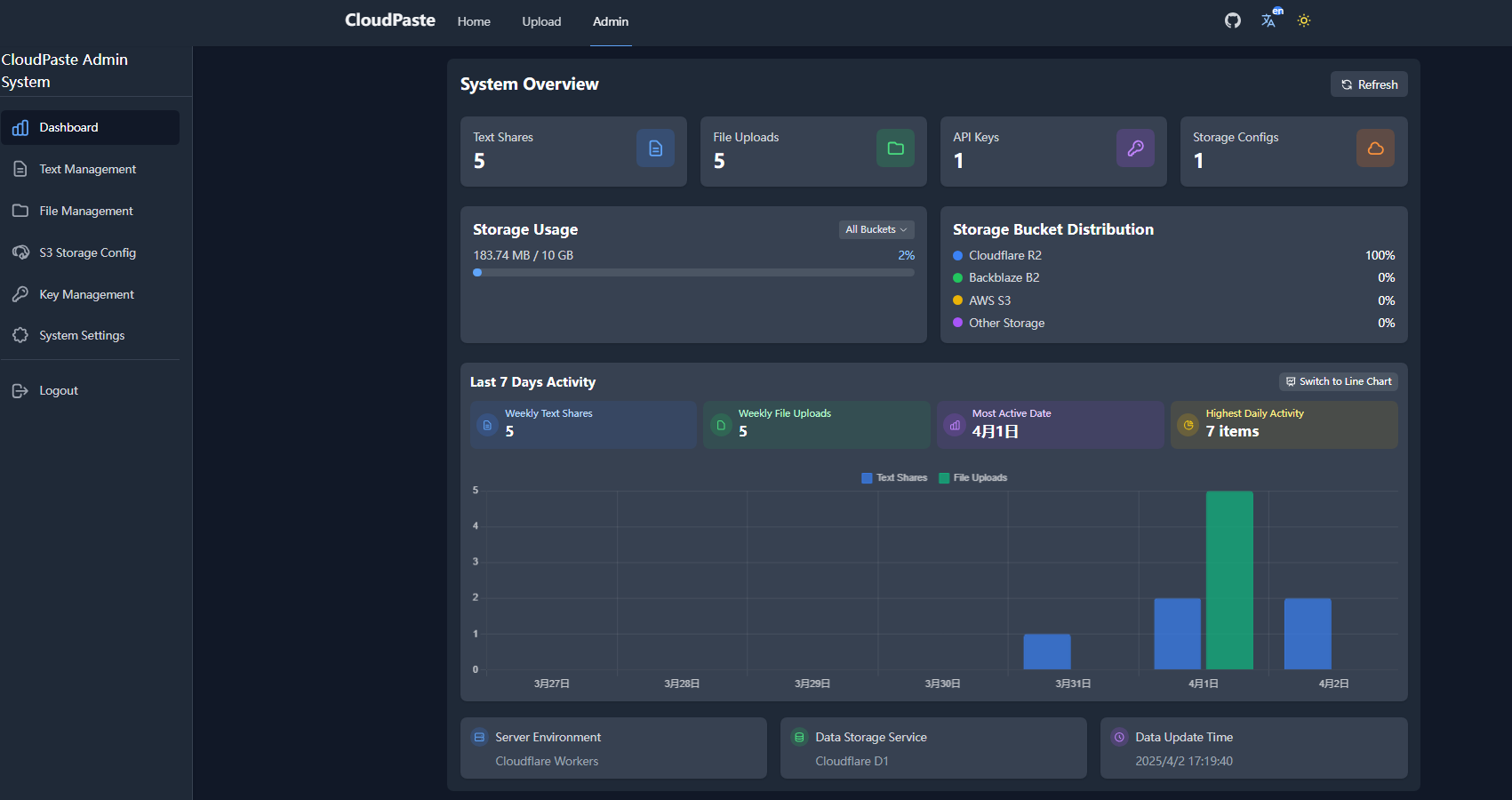
- Access statistics: Understand file access situations to optimize resource allocation
🏢 Enterprise Users
- Private deployment: Deploy to intranet with Docker, data stays within the enterprise
- Multi-tenant isolation: Implement independent spaces for multiple users through permission system
- API key management: Assign independent keys for different applications
- Audit compliance: Complete operation logs to meet compliance requirements
Feature Showcase
Multi-device Responsive Experience
Whether you're using a desktop computer, tablet or mobile phone, CloudPaste provides a smooth user experience.
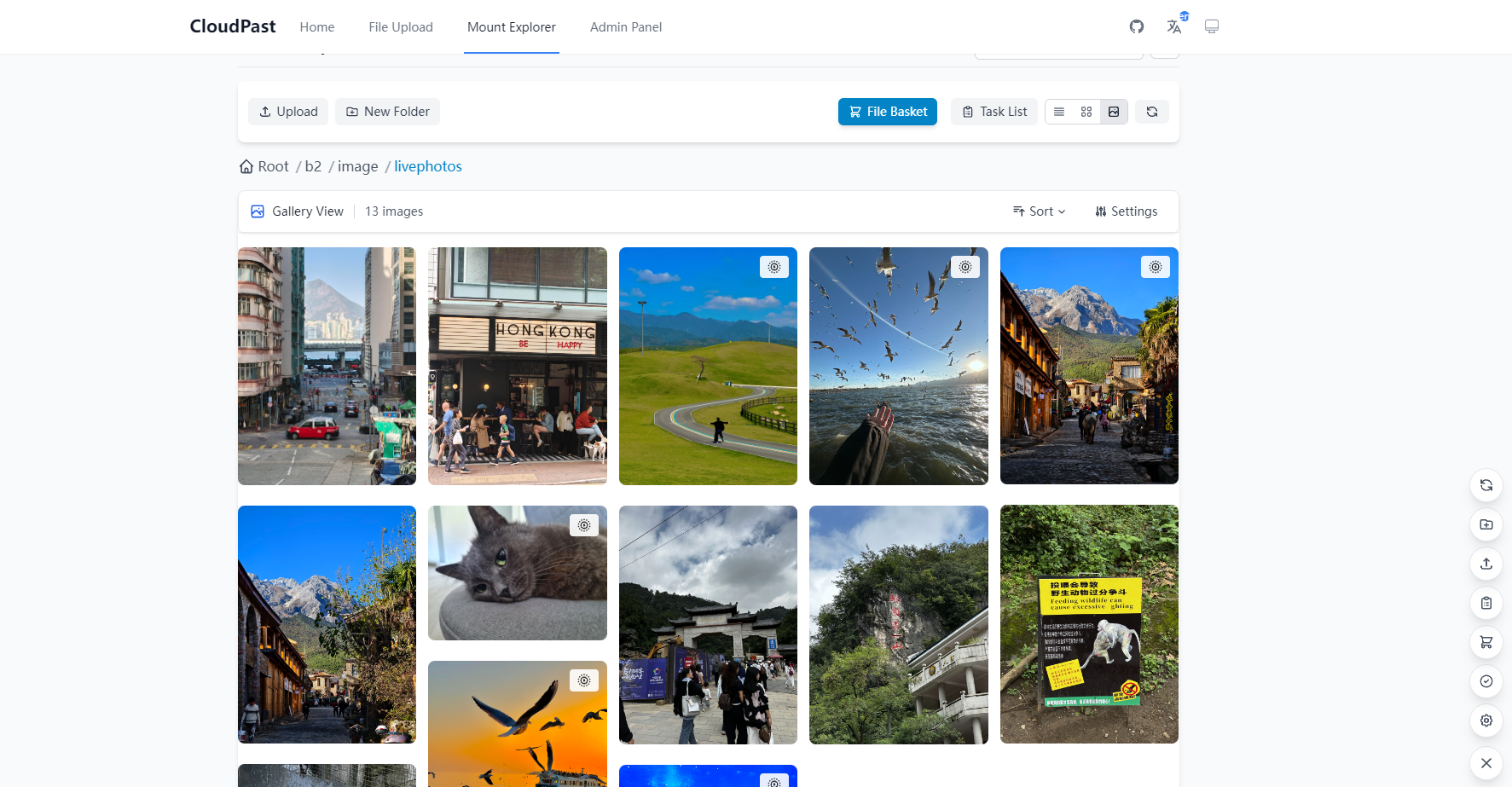
Gallery Mode
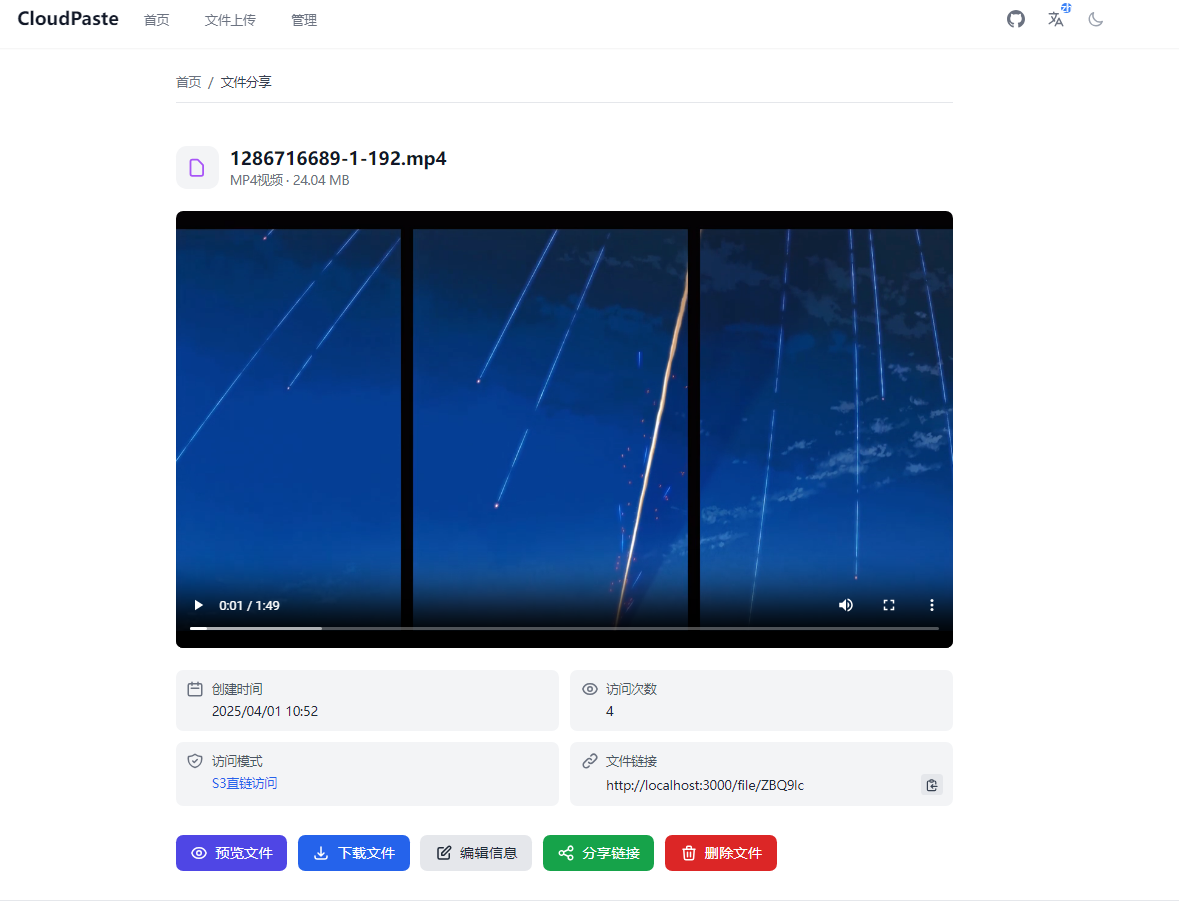
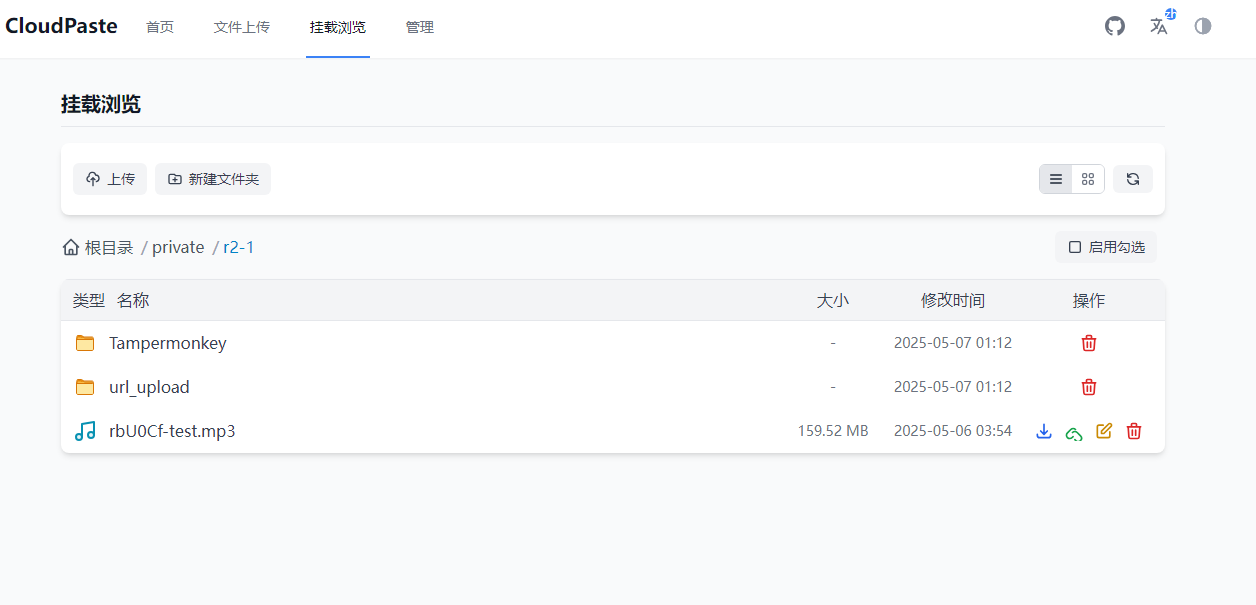
File Management Interface
Clear and intuitive file browser, supporting upload, download, preview, sharing and other operations.
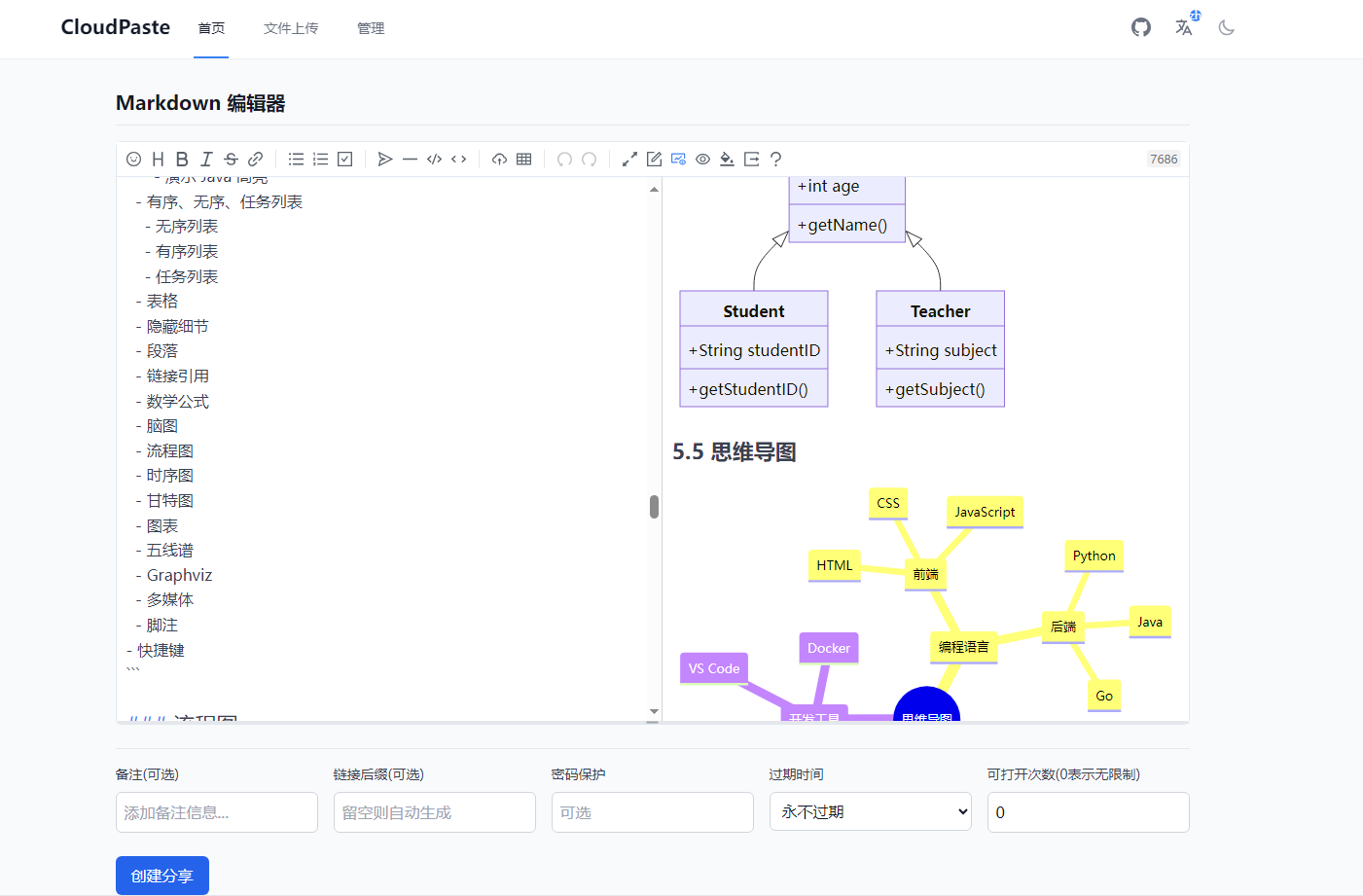
Markdown Editor
Professional editing experience with real-time preview, making creation more efficient.
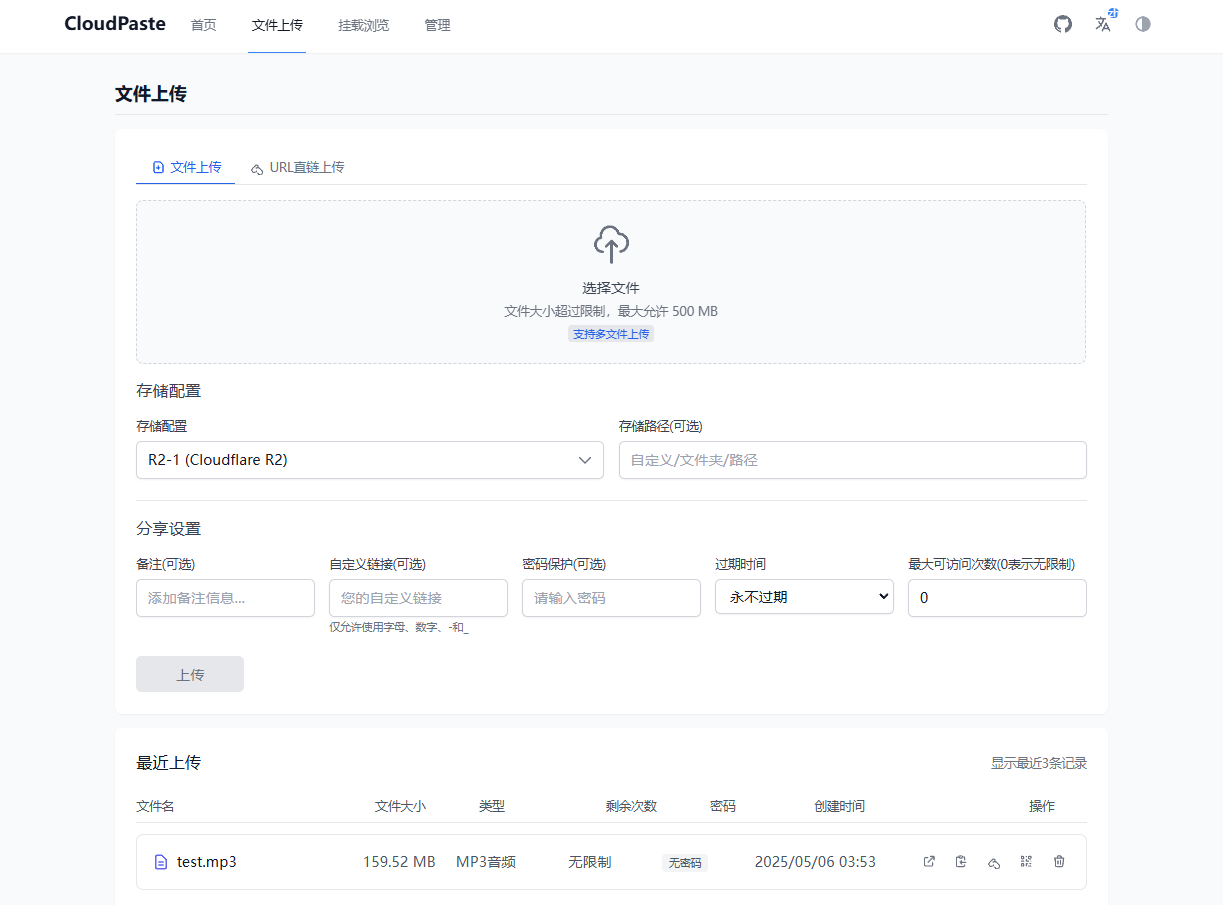
File Upload
Supports drag-and-drop upload, batch upload, with real-time progress display.
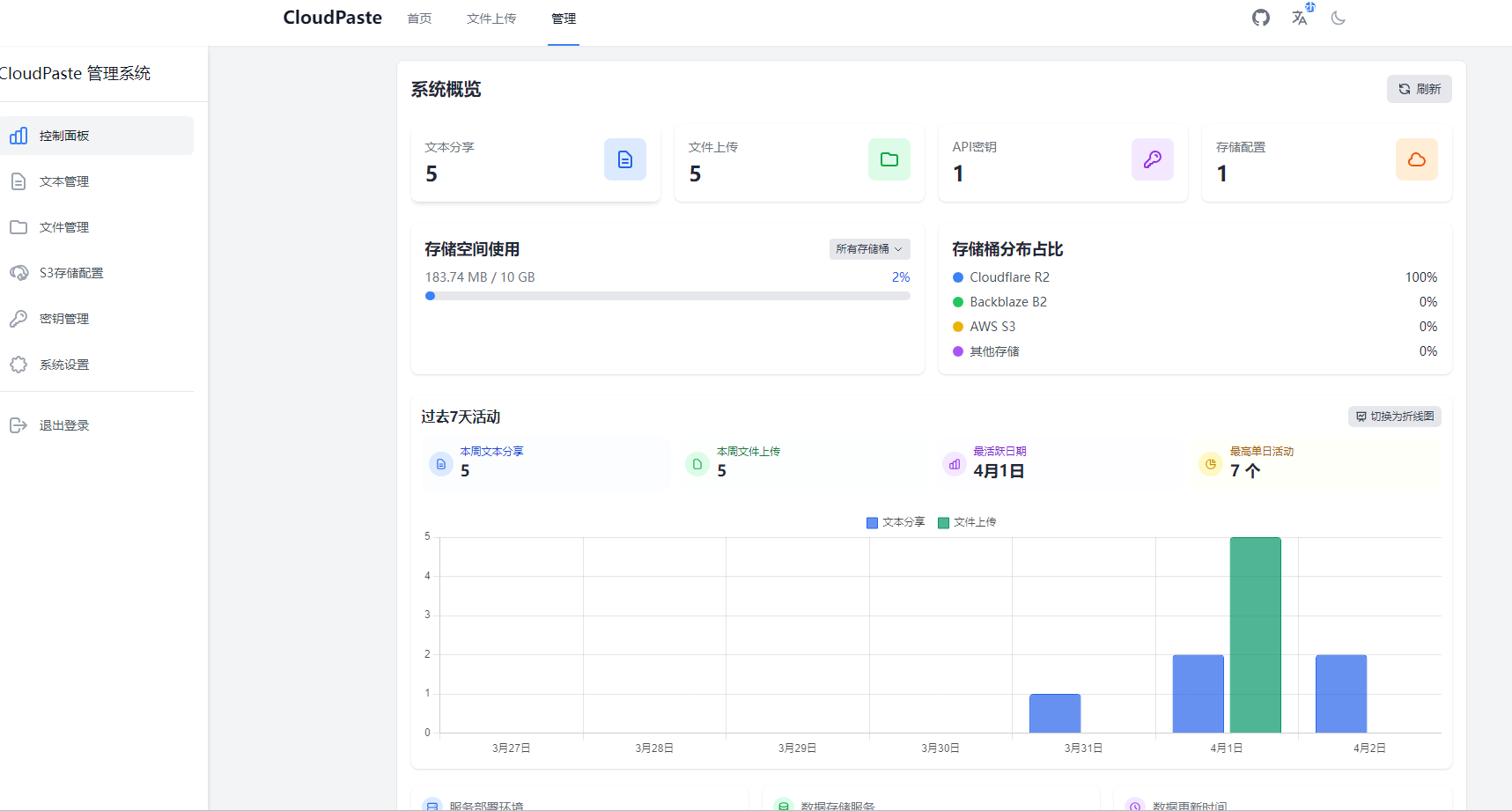
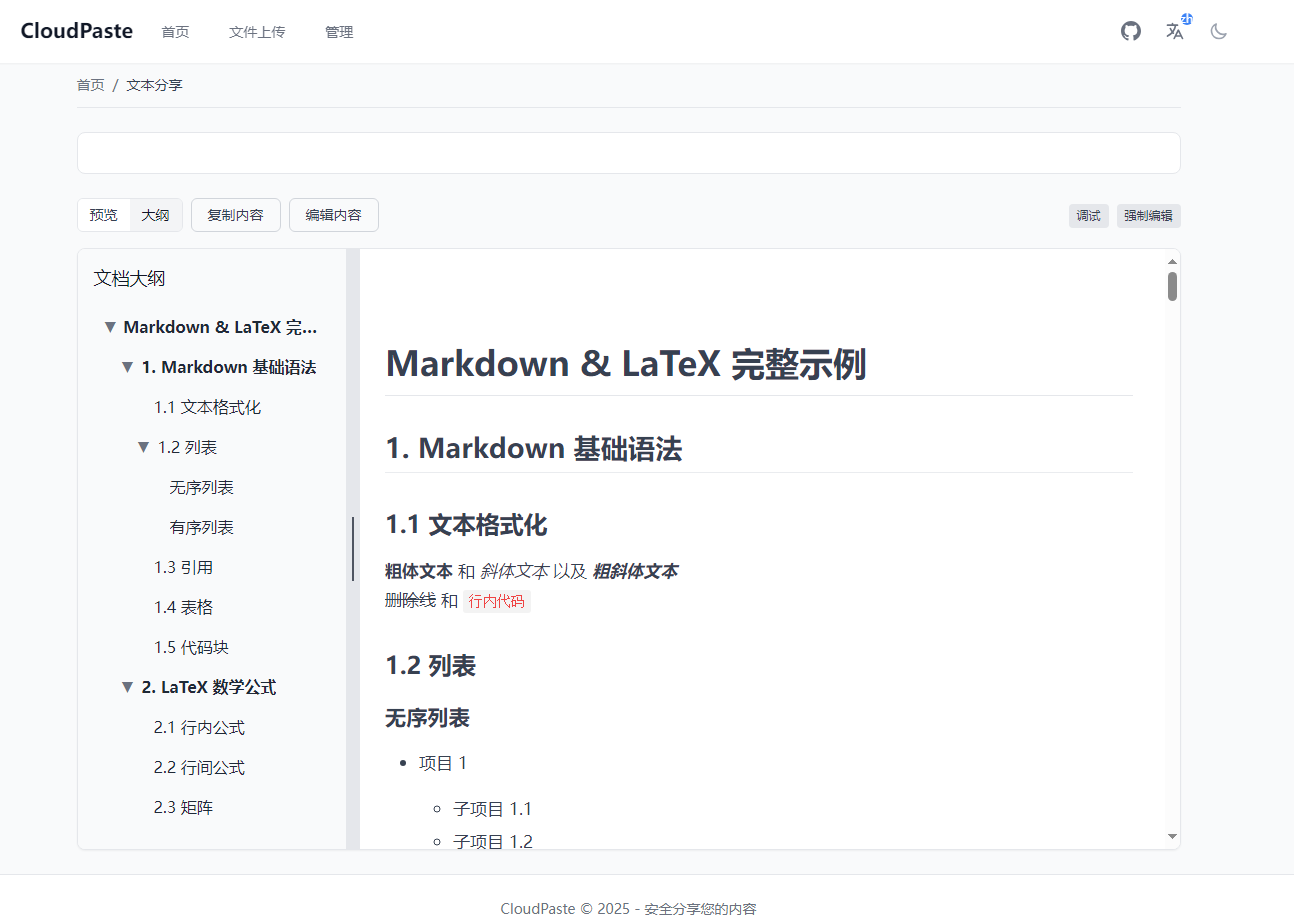
View More Interfaces
Technical Advantages
Modern Architecture
CloudPaste adopts a front-end and back-end separated architecture, with the front-end built using Vue.js 3 + Vite, and the back-end based on the Cloudflare Workers edge computing platform, fully leveraging the advantages of modern web technologies.
Serverless Design
Based on Cloudflare Workers' serverless architecture, no need to worry about server maintenance, automatic scaling, pay-as-you-go billing, allowing you to focus on content itself rather than infrastructure.
Global Edge Network
With Cloudflare's global CDN network, CloudPaste can provide fast responses worldwide, ensuring users get a good access experience no matter where they are.
Flexible Storage
Supports connecting to multiple storage services, you can use existing cloud storage (such as OneDrive, Google Drive), or choose object storage (such as R2, S3), or even use local disks or GitHub repositories.
Open API
Provides complete REST API, supports standard WebDAV protocol, can be easily integrated into existing systems or automation tools.
Deployment Methods
CloudPaste offers multiple flexible deployment solutions, you can choose according to your needs:
Cloudflare Deployment (Recommended)
The simplest and most economical deployment method, making full use of Cloudflare's free tier:
- Zero server maintenance: No need to manage servers, Cloudflare handles everything automatically
- Global acceleration: Automatically deployed to the global edge network
- Sufficient free tier: 100,000 requests per day completely free
- 5-minute deployment: Use GitHub Actions for automated deployment
Suitable for personal users and small teams to get started quickly.
Docker Deployment
Suitable for scenarios requiring private deployment or special data privacy requirements:
- Completely offline operation: Can be deployed in intranet environment
- Complete data autonomy: All data saved on your own server
- One-click startup: Quick deployment using Docker Compose
- Flexible customization: Configuration can be adjusted according to needs
Suitable for enterprise users and scenarios requiring private deployment.
Other Platforms
CloudPaste also supports deployment to Vercel, Railway, Render and other platforms to meet different user needs.
Open Source and Community
CloudPaste is released under the Apache License 2.0 open source license, which means:
- Completely free: No charge for personal and commercial use
- Transparent code: All code is public and can be audited yourself
- Free modification: Can customize features according to needs
- Community-driven: Welcome code contributions and feedback suggestions
Project address: https://github.com/ling-drag0n/CloudPaste
Getting Started
Ready to experience CloudPaste?
- Quick Start - Complete deployment in 5 minutes
- Features - Learn about all features
- Deployment Guide - Choose the right deployment method
- Configure Storage - Connect your storage service
If you have any questions or suggestions, feel free to submit an Issue or Pull Request on GitHub. We look forward to your feedback!